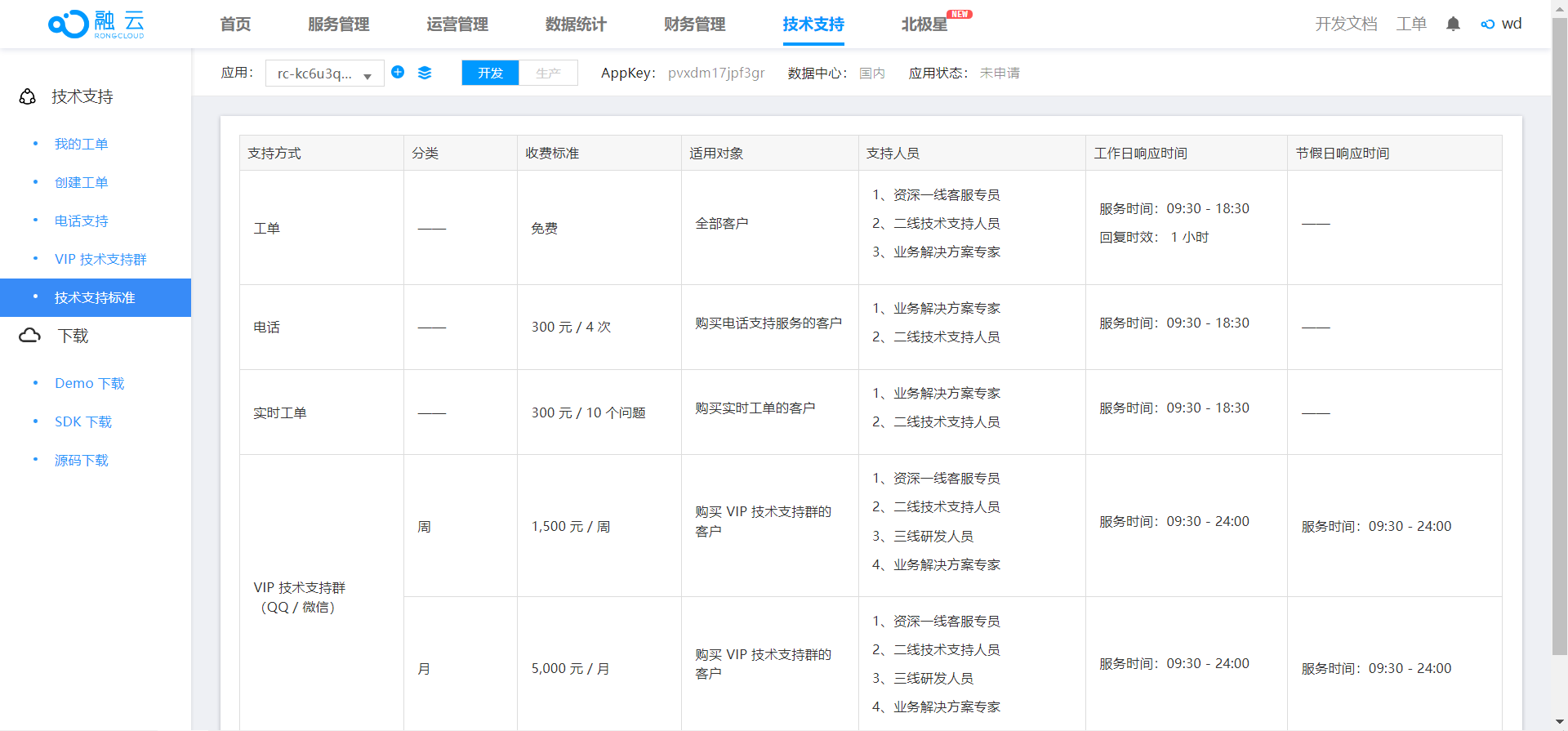
如何选择 IM 云服务供应商?主要看这三个因素:价格、核心服务稳定、技术资料及时的客服咨询。
之前集成过anyrtc,大家可以翻翻之前记录,主要是音视频通话服务,我发现,市场上众多的 IM 云服务,anyrtc 和融云 技术实现上很相似,视频通话服务技术对接也简单, 从长远看,收费服务意味着很大的风险,稳定好服务, 满足预期才能深入人心。
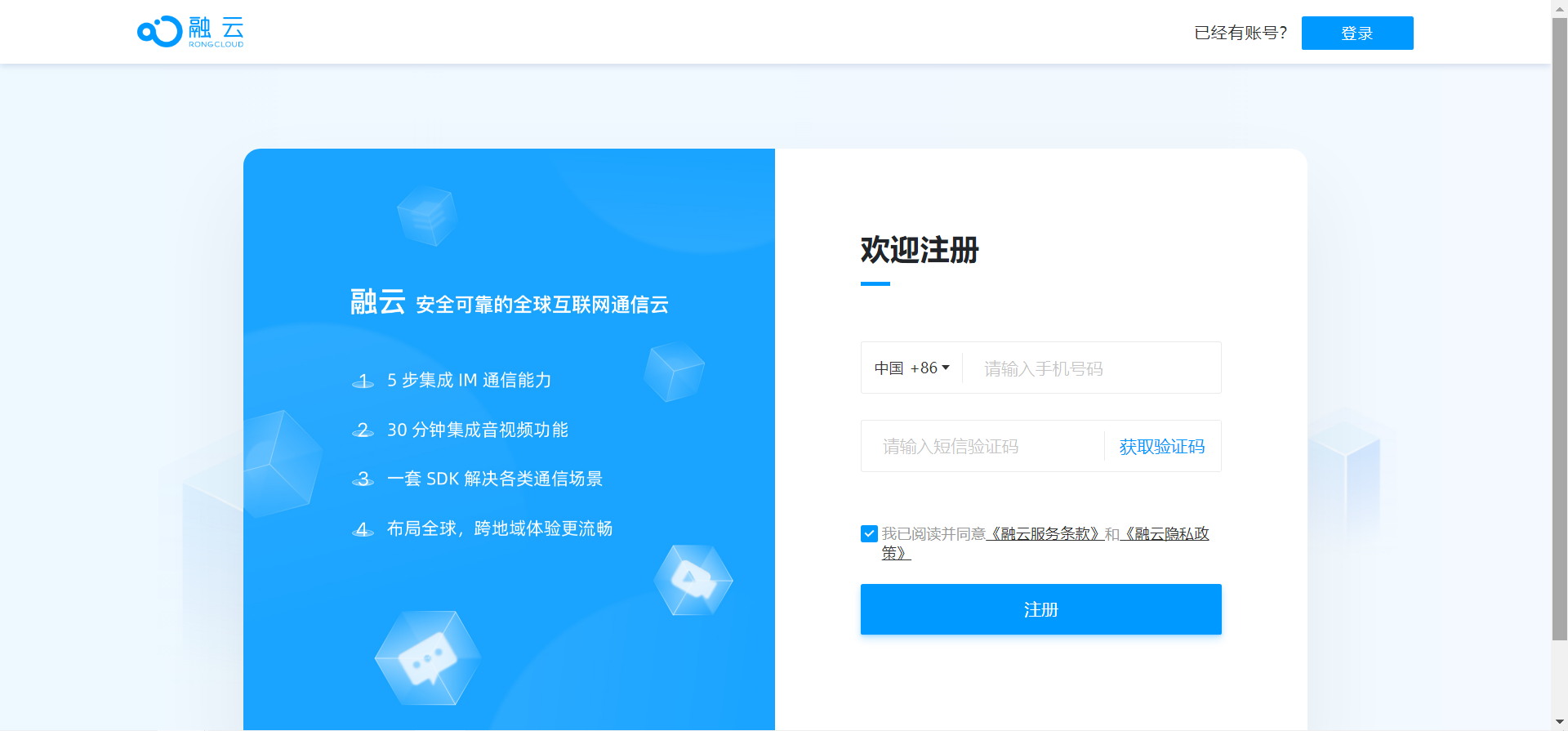
注册账户
首先前往官网注册:https://developer.rongcloud.cn/signup#?_sasdk=fMjUzMDkz
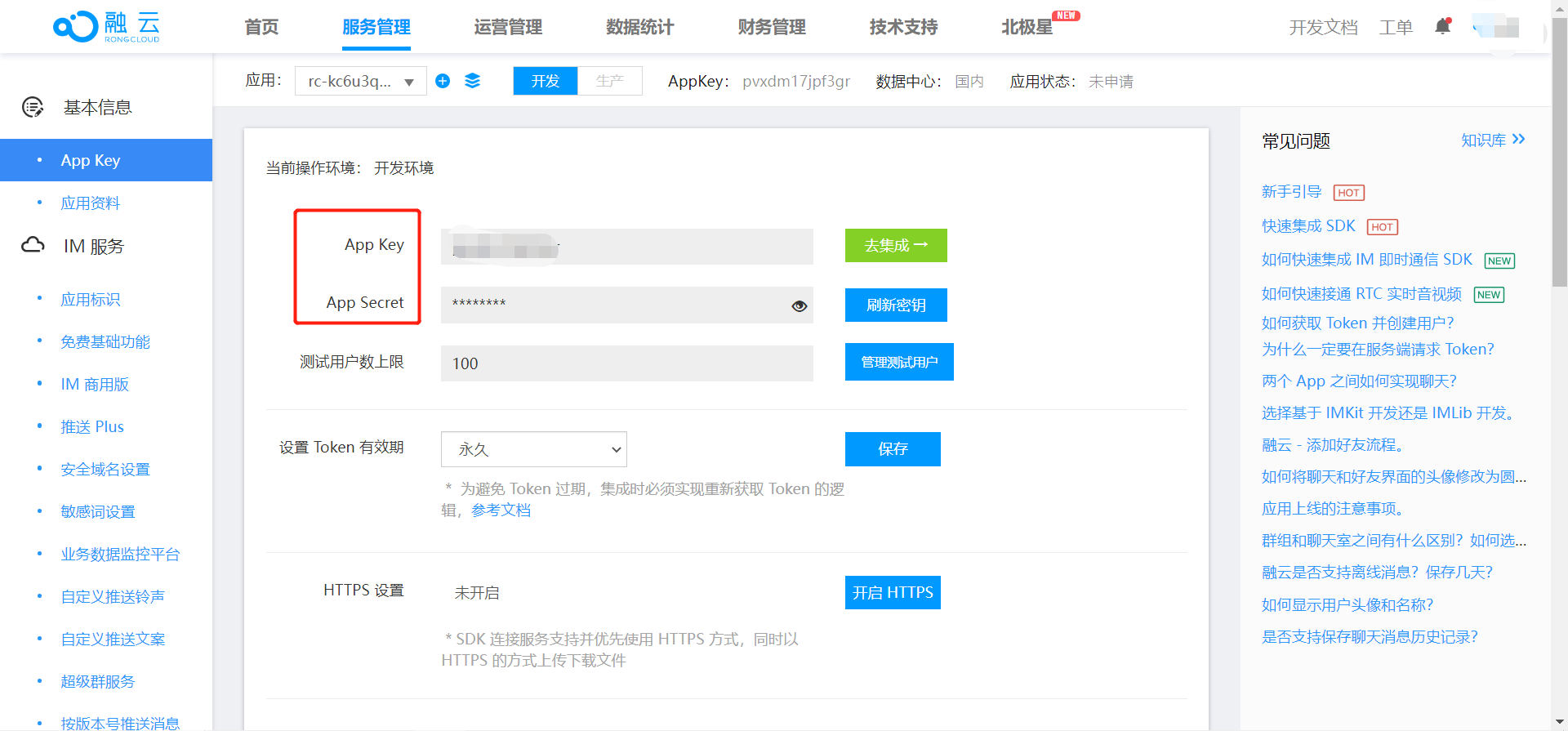
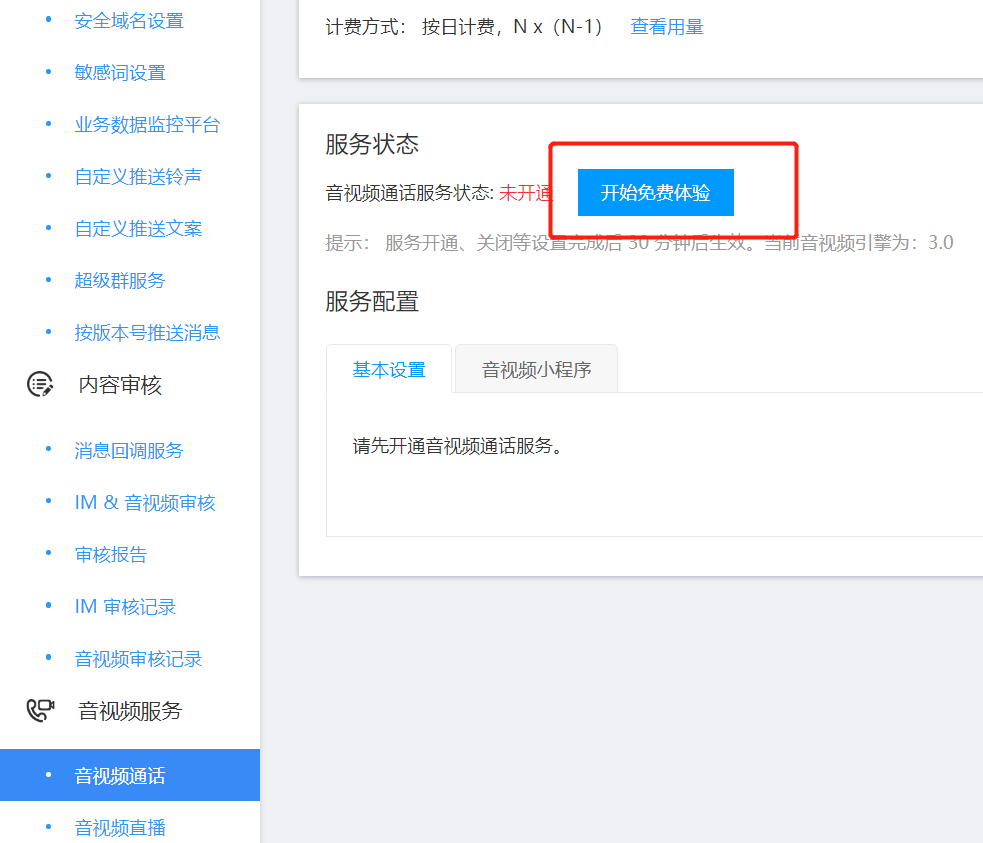
登陆成功后会有一个已经设置好的 appkey, 左侧菜单拉到最下方 【音视频通话】开启免费额度1万分钟,uniapp打包后一直使用这个开发appkey也是有1万分钟的额度。
项目配置
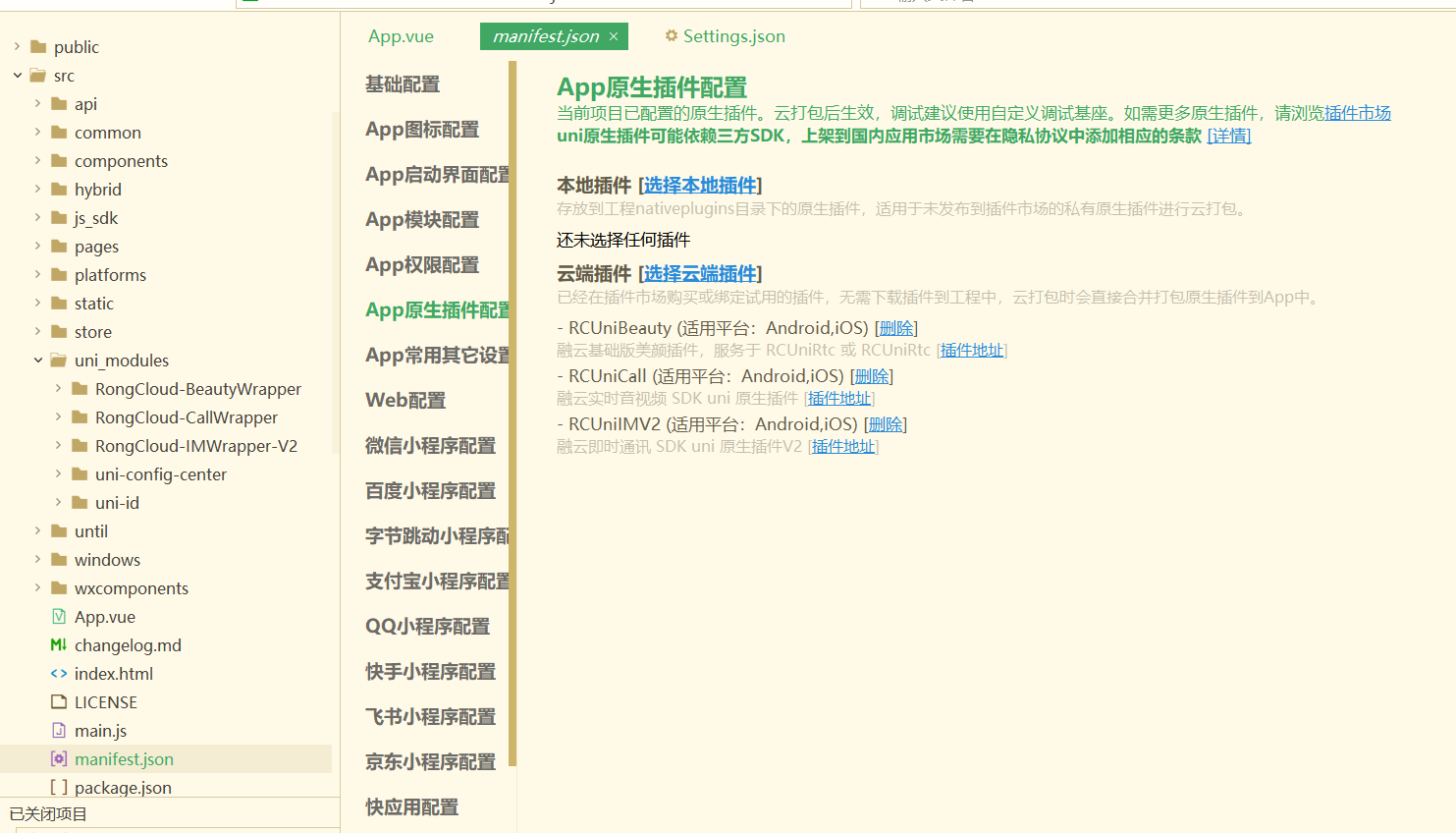
云端插件
融云实时音视频 SDK uni 原生插件:https://ext.dcloud.net.cn/plugin?id=6372
融云即时通讯 SDK uni 原生插件 V2:https://ext.dcloud.net.cn/plugin?id=9227
融云基础版美颜插件,服务于 RCUniRtc 或 RCUniRtc:https://ext.dcloud.net.cn/plugin?id=7982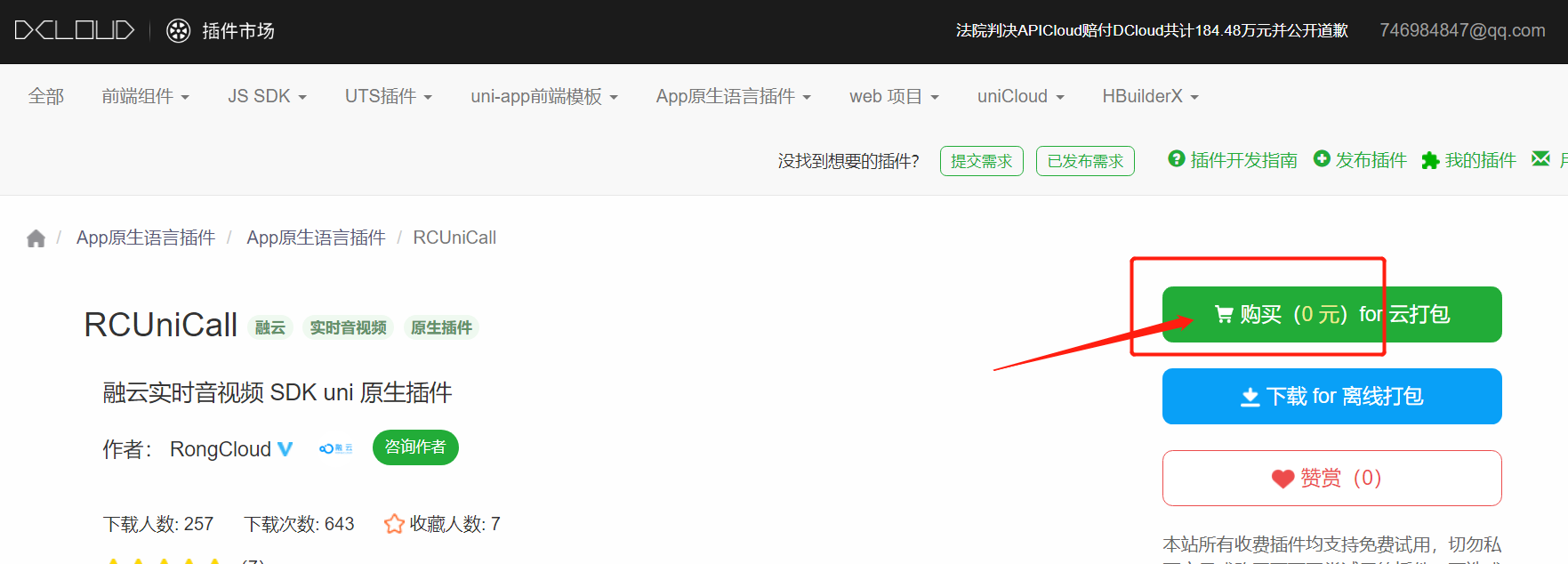
选择中你的姓名包 key 0 元购入本地插件
融云 IM 原生插件包装层 RongCloud-IMWrapper-V2:https://ext.dcloud.net.cn/plugin?id=9225
RongCloud-CallWrapper:https://ext.dcloud.net.cn/plugin?id=7136
RongCloud-BeautyWrapper:https://ext.dcloud.net.cn/plugin?id=7985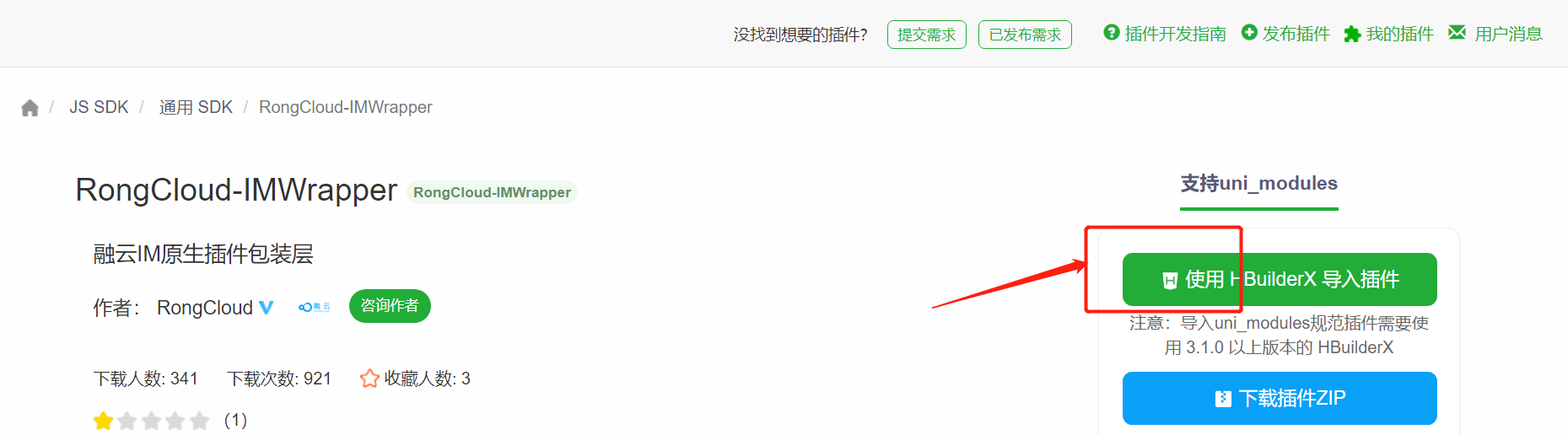
直接通过 HBuilder X 导入项目中。完成后
项目开发
- app.vue
import * as call from "@/uni_modules/RongCloud-CallWrapper/lib/index"; |
- pages.json
{ |
call.nvue 呼叫页面
<template>
  <view class="content">
    <view class="logo">
      <image class="logo-img" src="../../static/icon-ch.png" mode=""></image>
      <text class="name">{{ id }} </text>
    </view>


    <view class="container">
      <view class="icon" @click="hangup">
        <image
          class="icon_img"
          src="../../static/icon_hangup.png"
          mode=""
        ></image>

        <text class="icon_text">挂断 </text>
      </view>

      <view class="icon" @click="accept">
        <image
          class="icon_img"
          src="../../static/icon_accept.png"
          mode=""
        ></image>

        <text class="icon_text">接听 </text>
      </view>
    </view>
  </view>
</template>

<script>
  import * as call from "@/uni_modules/RongCloud-CallWrapper/lib/index";
  import RCBeautyEngine from "@/uni_modules/RongCloud-BeautyWrapper/lib/RCBeautyEngine";
  export default {
    data() {
      return {
        id: "",
      };
    },
    onLoad: function (option) {
      this.id = option.id;
    },
    methods: {
      hangup() {
        call.hangup();
        uni.navigateBack({
          delta: 1,
        });
      },
      accept() {
        let session = call.getCurrentCallSession();
        console.log('session: ', session);
        uni.setStorageSync('room-parameters', {
					callType: 'in',
					mediaType: session.mediaType === 0 ? 'audio' : 'video'
				});
        // 接受呼叫后跳转聊天页面
        uni.navigateTo({
          url: "/pages/room/room",
        });
      },
    },
  };
</script>
room.nvue 聊天页面
<template>
  <view class="content">
    <!-- 单人视频 -->
    <view>
      <RongCloud-Call-RCUniCallView
        class="bigVideoView"
        :style="{ width: windowWidth + 'px', height: windowHeight + 'px' }"
        ref="bigVideoView"
      >
      </RongCloud-Call-RCUniCallView>
      <RongCloud-Call-RCUniCallView
        class="smallVideoView"
        :style="{ width: 200 + 'upx', height: 200 + 'upx' }"
        ref="smallVideoView"
      >
      </RongCloud-Call-RCUniCallView>
    </view>

    <view class="container">
      <text class="hangup" @click="hangup">挂断</text>
    </view>
  </view>
</template>
<script>
  import * as call from "@/uni_modules/RongCloud-CallWrapper/lib/index";
  import RCBeautyEngine from "@/uni_modules/RongCloud-BeautyWrapper/lib/RCBeautyEngine";
  export default {
    data() {
      return {
        mediaType: "video",
        callType: "out",
        callWay: 0, //呼叫方式 0 单聊 1 群聊
        targetId: "",
        isConnected: false,
        isSelf: false,
        viewArr: [],
        groupId: "",
        userIds: [],
        windowWidth: "",
        windowHeight: "",
        users: [],
        currentCallSession: {},
      };
    },
    onLoad: function () {
      var _this = this;
      uni.getStorage({
        key: "room-parameters",
        success: (res) => {
          this.mediaType = res.data.mediaType;
          this.callType = res.data.callType ? res.data.callType : "in";
          this.groupId = res.data.groupId ? res.data.groupId : "";
          this.userIds = res.data.userIds ? res.data.userIds : "";
          if (this.callType === "in") {
            console.log("呼入接受");
            this.accept();
          }
        },
      });
      uni.getSystemInfo({
        success: function (res) {
          _this.windowWidth = res.windowWidth;
          _this.windowHeight = res.windowHeight;
        },
      });
      uni.$on("OnCallConnected", this.onCallConnected);
      uni.$on("OnCallDisconnected", this.onCallDisconnected);
    },
    beforeDestroy() {
      uni.$off("OnCallDisconnected");
      uni.$off("OnCallConnected");
    },
    onUnload() {
      // call.hangup();
    },
    onHide() {
      // const session = call.getCurrentCallSession();
      // if (session) {
      //   call.hangup();
      // }
    },
    methods: {
      hangup() {
        this.isSelf = true;
        call.hangup();
        uni.navigateBack({
          delta: 1,
        });
      },
      accept() {
        call.accept();
      },
      onCallConnected() {
        let context = this;
        console.log("oncallconnected接收了");
        call.enableSpeaker(true);
        this.currentCallSession = call.getCurrentCallSession();
        this.callWay = this.currentCallSession.callType;
        this.users = this.currentCallSession.users
          ? this.currentCallSession.users
          : [];
        let isHasMine = this.users.findIndex((item) => {
          return item.userId === this.currentCallSession.mine.userId;
        });
        if (isHasMine === -1) {
          this.users.push(this.currentCallSession.mine);
        }
        if (
          this.currentCallSession &&
          this.currentCallSession.users.length > 0
        ) {
          //视频是两个的时候
          if (this.currentCallSession.users.length <= 2) {
            setTimeout(() => {
              this.systemInfoSync(
                this.currentCallSession.mine.userId,
                this.$refs.smallVideoView.ref,
                true
              );
              this.viewArr = this.currentCallSession.users.filter((item) => {
                return item.userId !== this.currentCallSession.mine.userId;
              });
              this.viewArr.forEach((itm) => {
                this.targetId = itm.userId;
                this.systemInfoSync(
                  itm.userId,
                  this.$refs.bigVideoView.ref,
                  false
                );
              });
            }, 100);
          }
        }
      },
      systemInfoSync(userId, ref, isZOrderOnTop) {
        switch (uni.getSystemInfoSync().platform) {
          case "android":
            call.setVideoView(userId, ref, 0, isZOrderOnTop);
            break;
          case "ios":
            call.setVideoView(userId, ref, 0);
            break;
          default:
            console.log("运行在开发者工具上");
            break;
        }
      },
      onCallDisconnected() {
        if (!this.isSelf) {
          uni.navigateBack({
            delta: 1,
          });
        }
      },
    },
  };
</script>
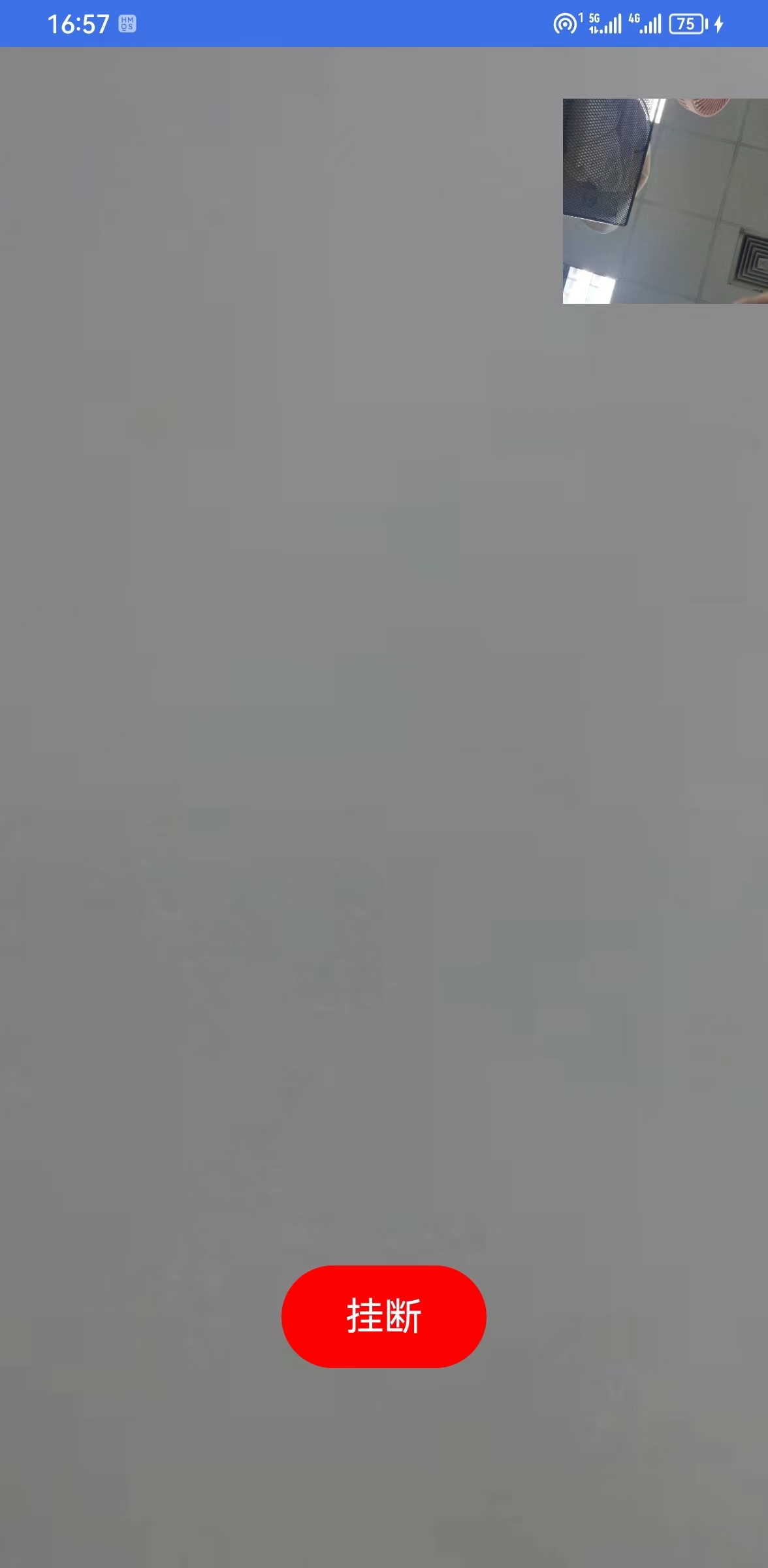
结果
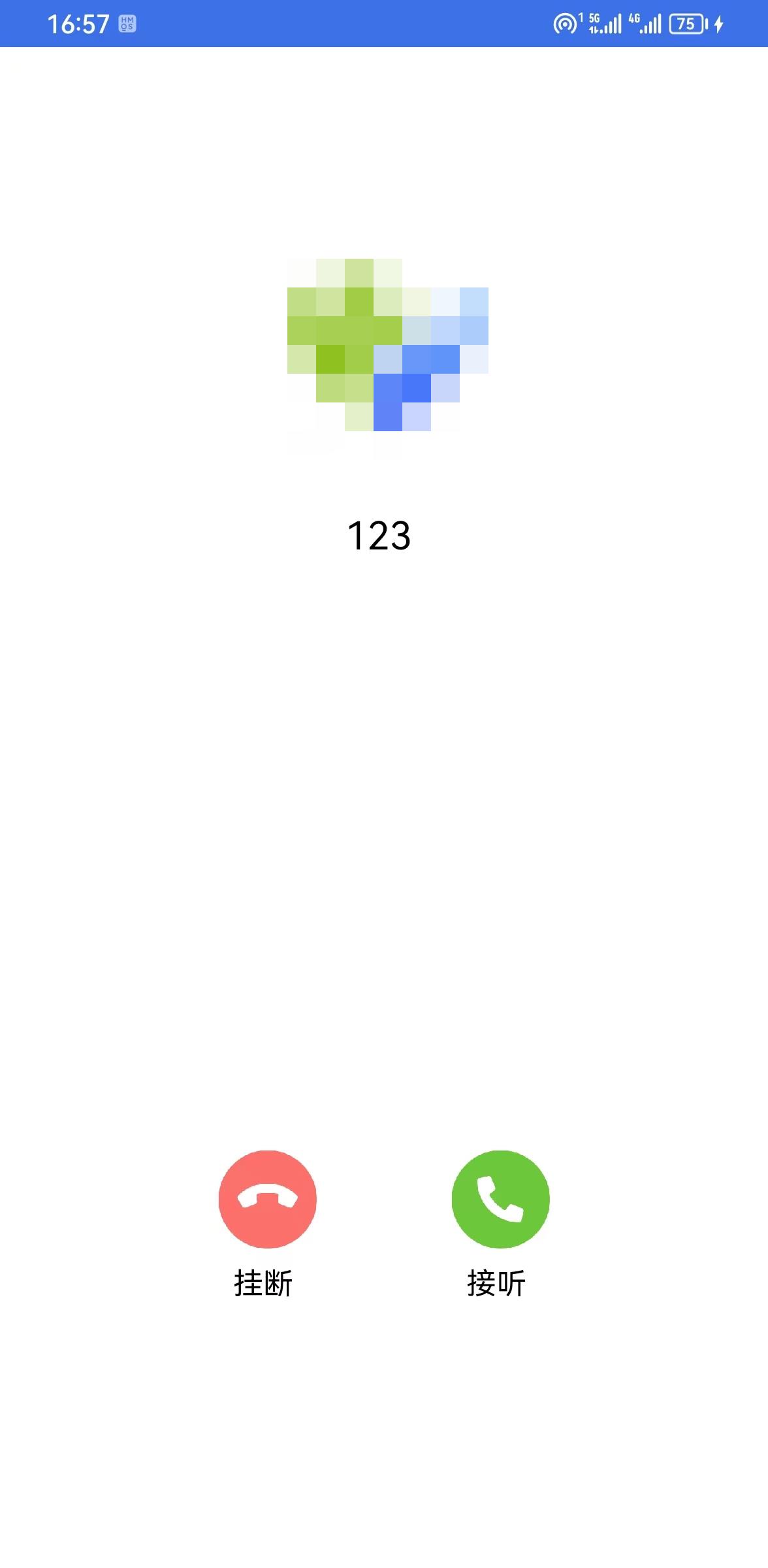
融云特点
上手友好
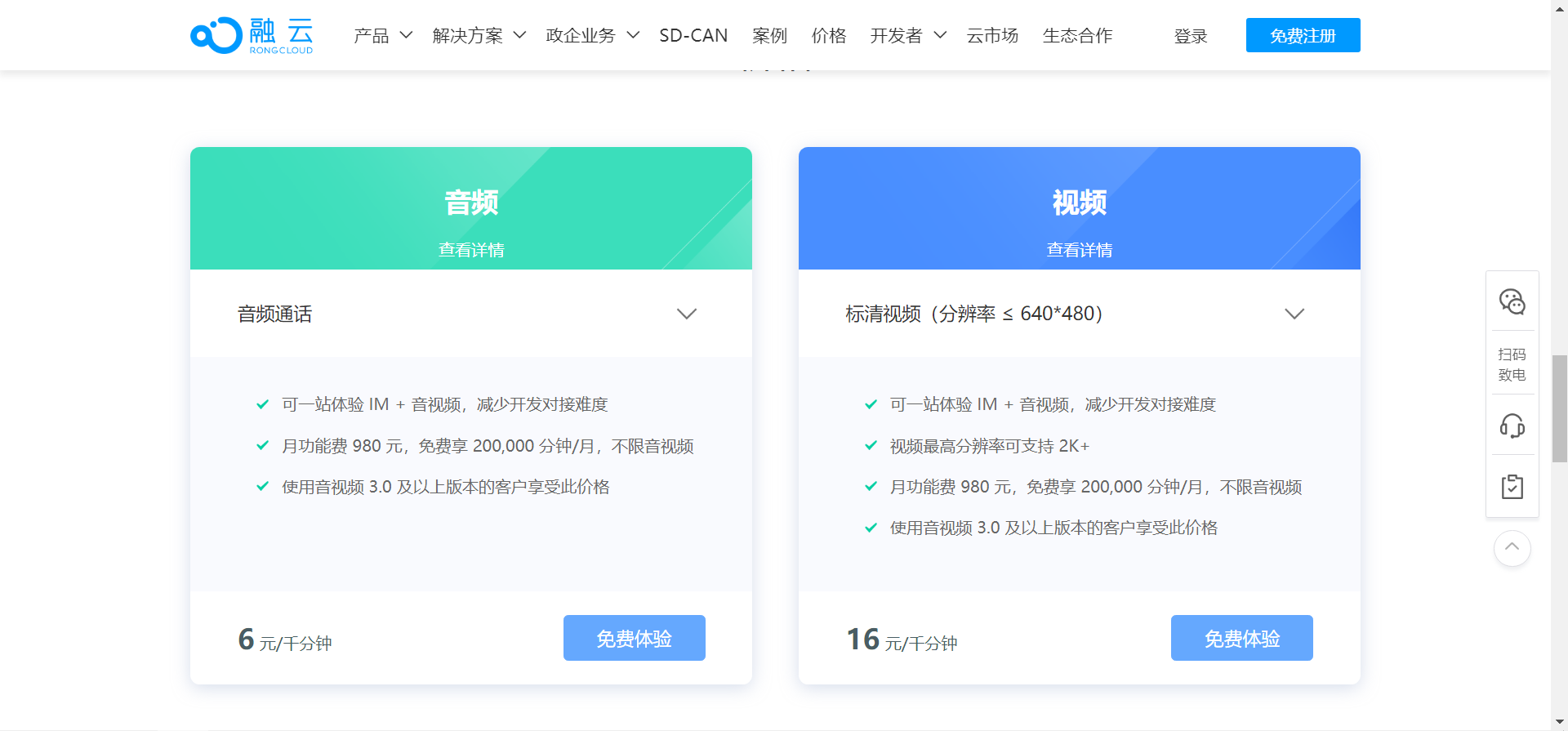
收费高

技术咨询
提交工单几乎是 1个小时网页回复